Asset Management with Unreal Engine
Turn your Unreal Engine assets into a centralized, searchable, and shareable library your team can reuse across any project. With Connecter’s integration, you can organize content beyond individual project folders, find the right assets in seconds, and accelerate production with a workflow built for collaboration.



Unreal Engine Assets Weren’t Built for Easy Reuse. Connecter Fixes That.


The Challenge
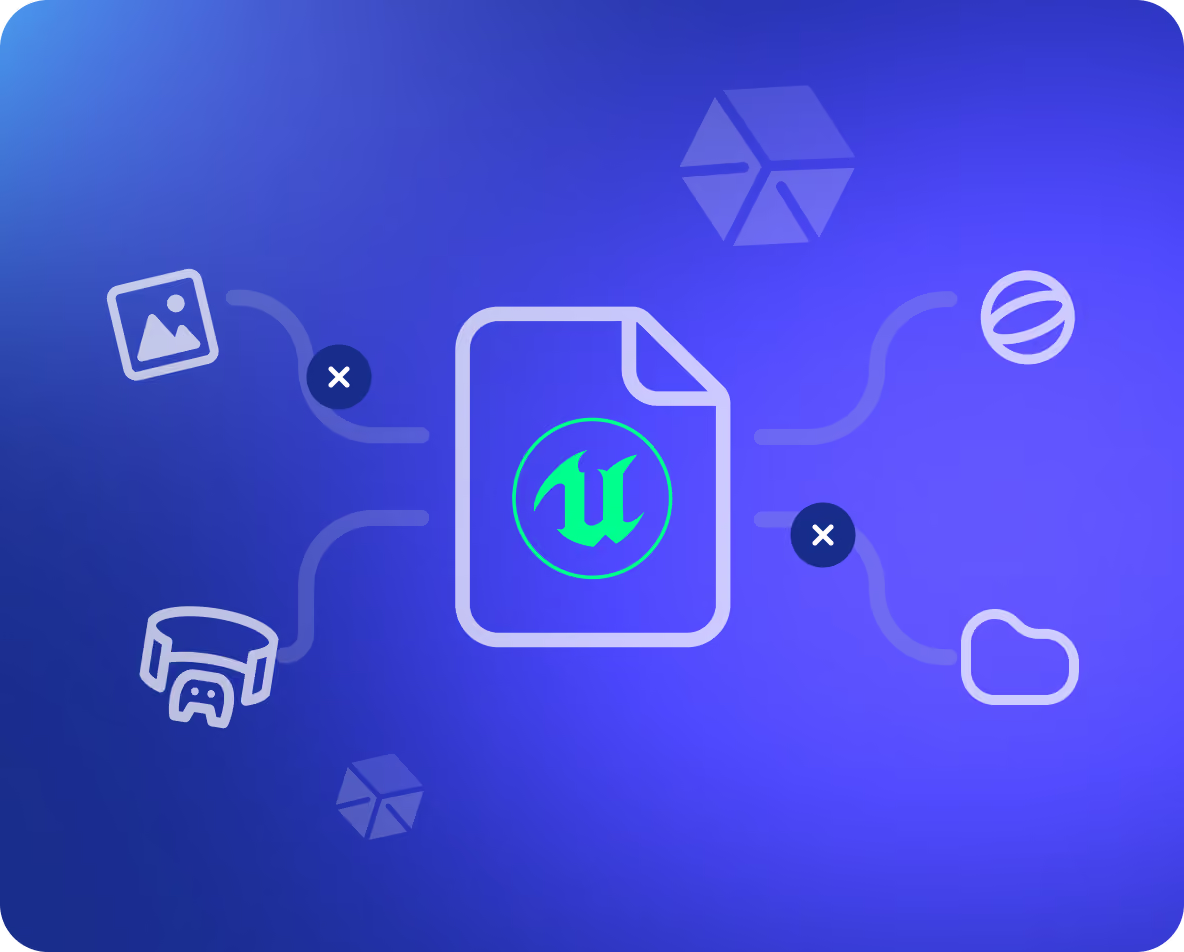
Unreal Engine assets rely heavily on dependencies. A single .uasset often references textures, material instances, skeletons, animations, and other supporting files. As a result, simply copying an asset to another project doesn’t work. Teams must rely on Unreal Engine's Migration workflow to preserve those dependencies – a process that can be time-consuming, difficult to manage, and inefficient when assets need to be reused, shared, or organized into reusable libraries.
The CUAP Format
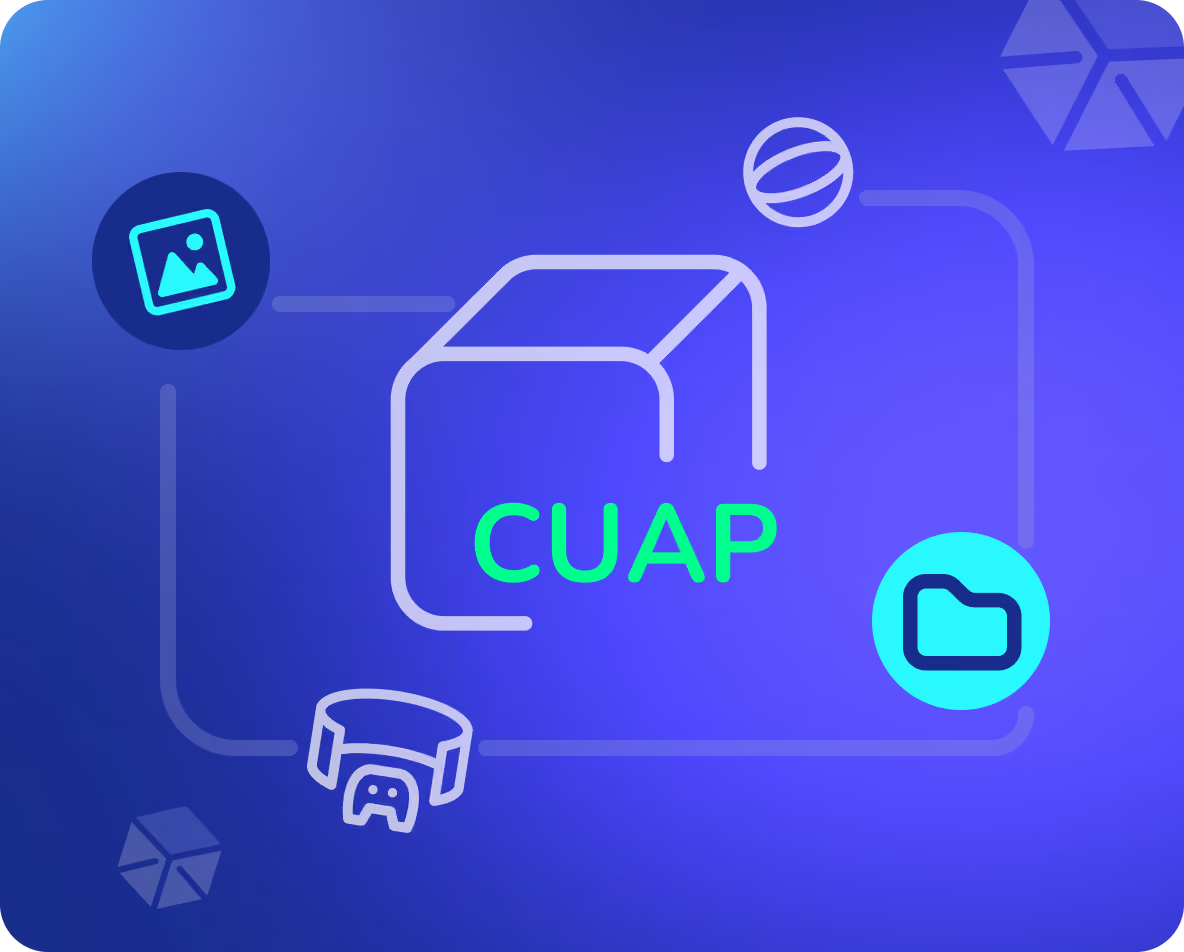
Connecter eliminates that complexity with its proprietary CUAP format. Think of CUAP as Unreal Engine's native migration system – but portable, searchable, and reusable outside the original project.
When you export an asset as a CUAP package, Connecter automatically preserves all dependencies, generates visual previews, and embeds technical metadata into a single portable file. The result is a self-contained asset package that can be organized into reusable libraries, shared with teammates, and imported into any compatible Unreal Engine project without relying on the original project structure.
Preview Before Import
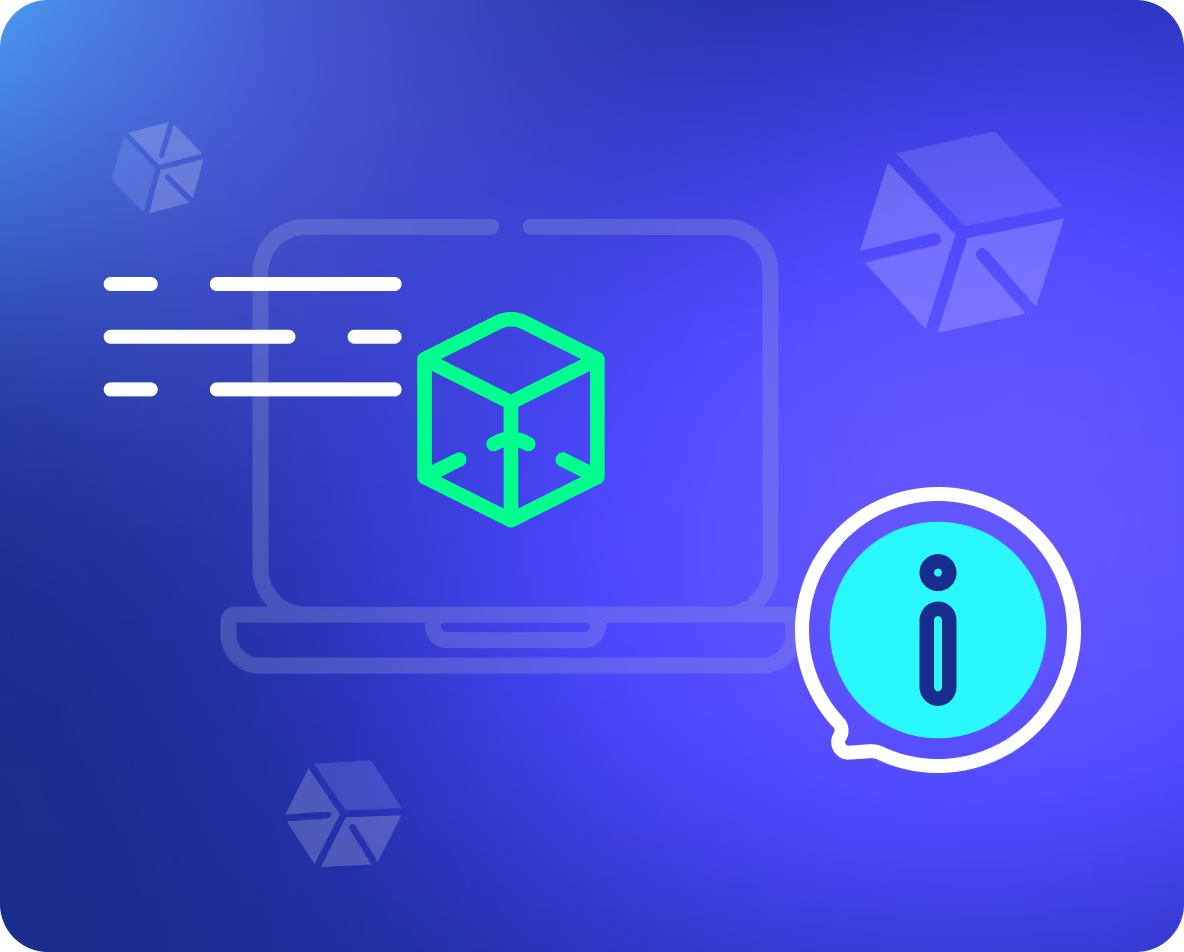
Before importing, Connecter lets you inspect each package directly from your asset library.
View important technical information – including vertex count, UV channels, material slots, contained assets, and other metadata – so artists and technical teams can validate assets before bringing them into production.
Share Without Limitations
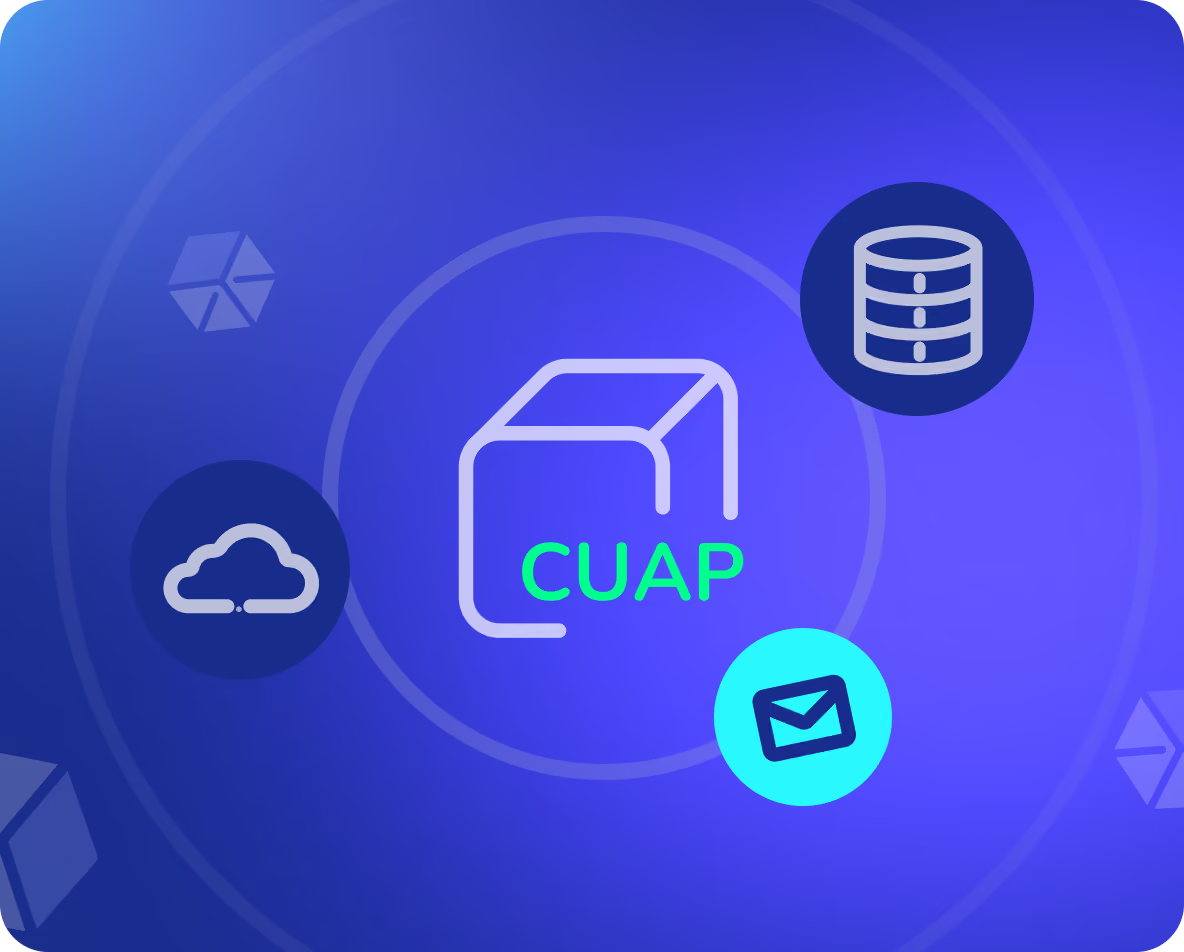
CUAP packages can be transferred using any standard file-sharing method, including local drives, network storage, cloud services, or email. Because every dependency is included in the package, assets remain intact wherever they go.
Built for Reuse
Whether you're building a centralized asset library, collaborating across teams, or reusing content between projects, Connecter makes Unreal Engine assets truly portable – without broken references or repetitive migration workflows.


Built for Real Production Workflows
Once assets are packaged as CUAP, your team can organize, share, and reuse them like any other production asset.
Create a Centralized Asset Library
- Automatically generated previews
- Embedded technical metadata
- Searchable asset information
- All required dependencies
Share with Your Team Effortlessly
Reuse Across Any Unreal Project


Get More Value From Every Unreal Asset

Reuse Assets Across Projects

Keep Dependencies Intact

Find Assets Faster

Share Production Content Easily

Improve Team Collaboration