

Know Before You Open

Asset Recognition at a Glance

"Pre-Flight" Compatibility Check

Complete Material Visibility

Assets That Arrive Ready

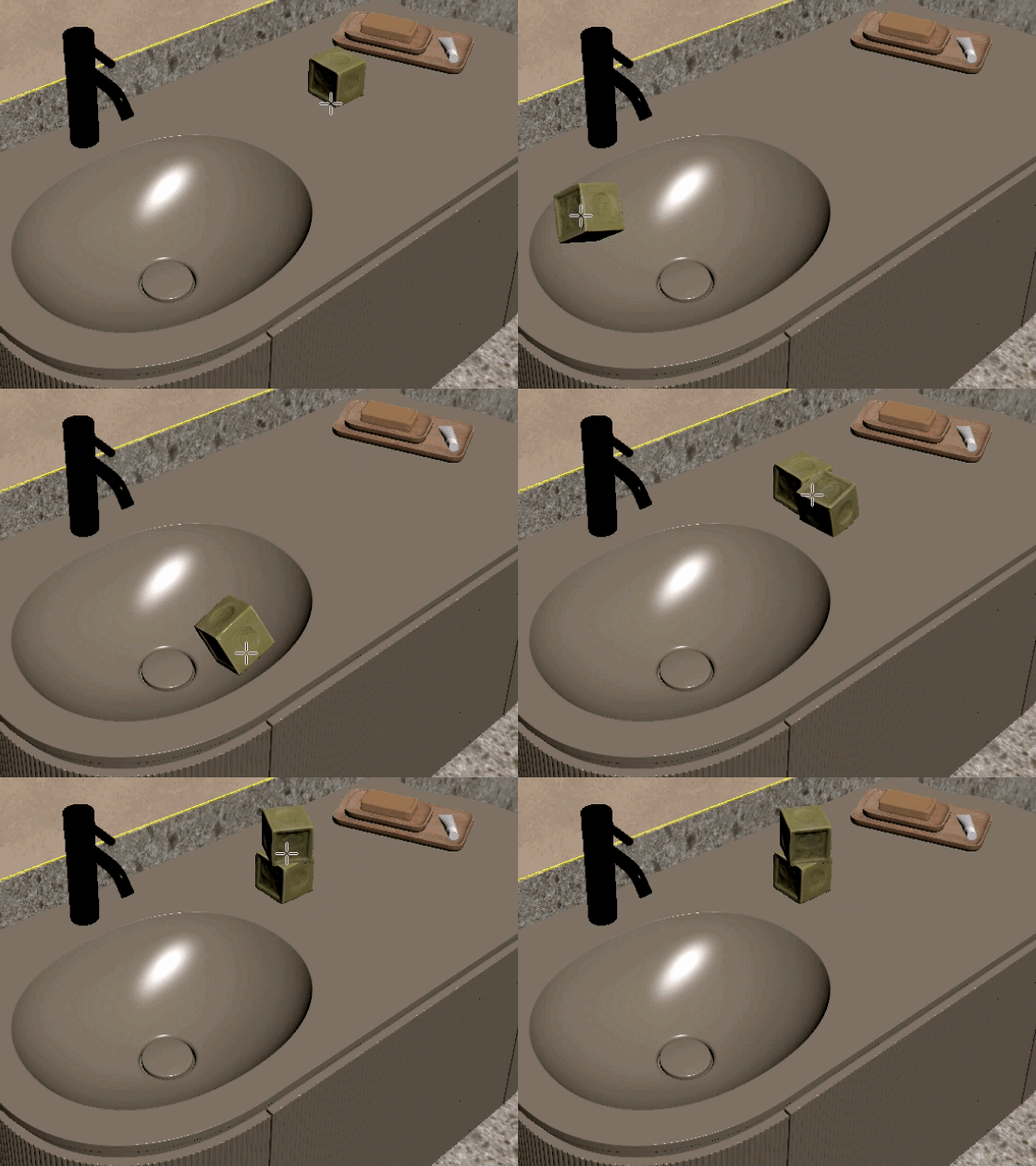
Place & Align with Precision
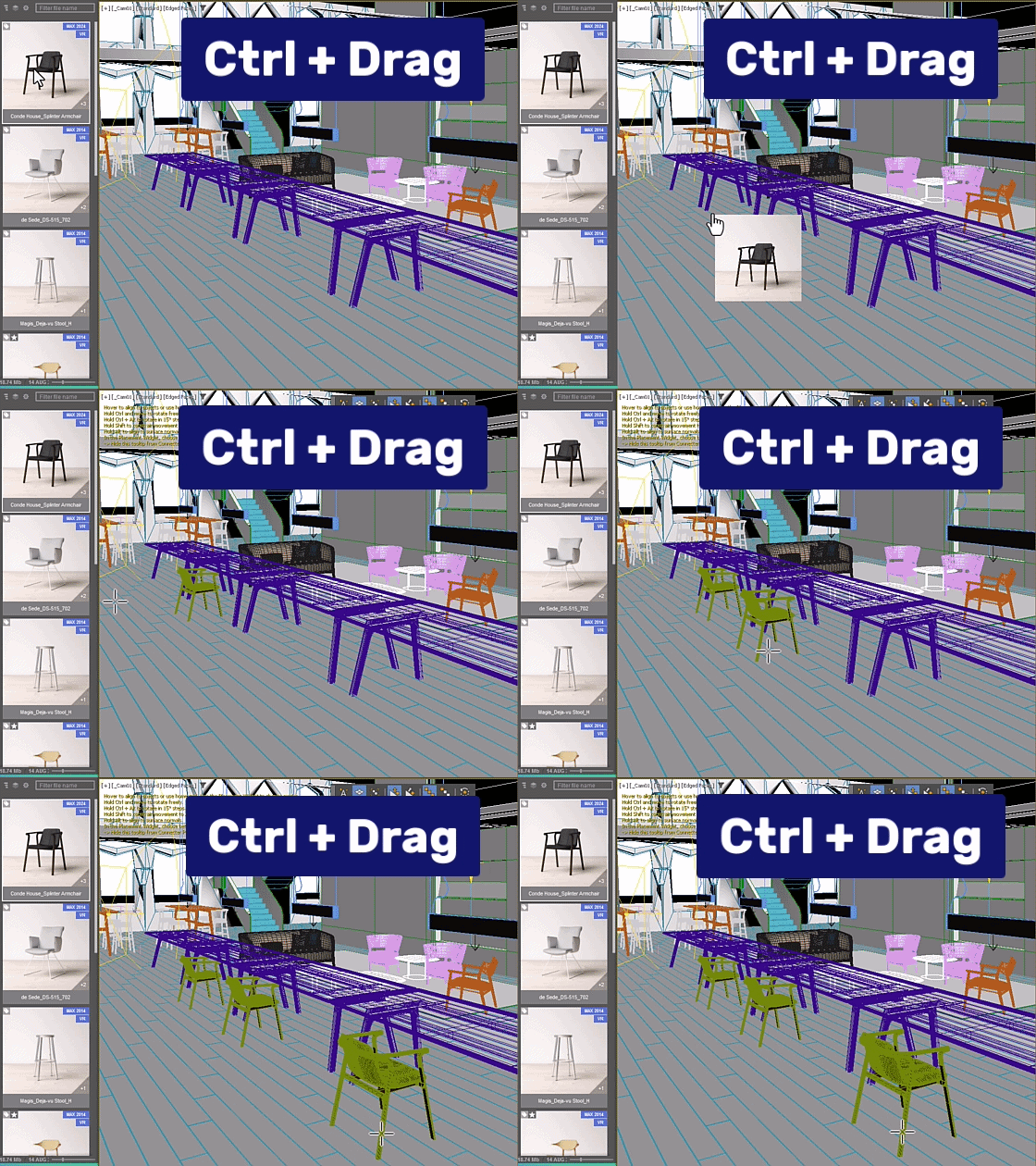
Snap and orient assets to any surface as you drag. Populate complex scenes as fast as you can move your mouse.
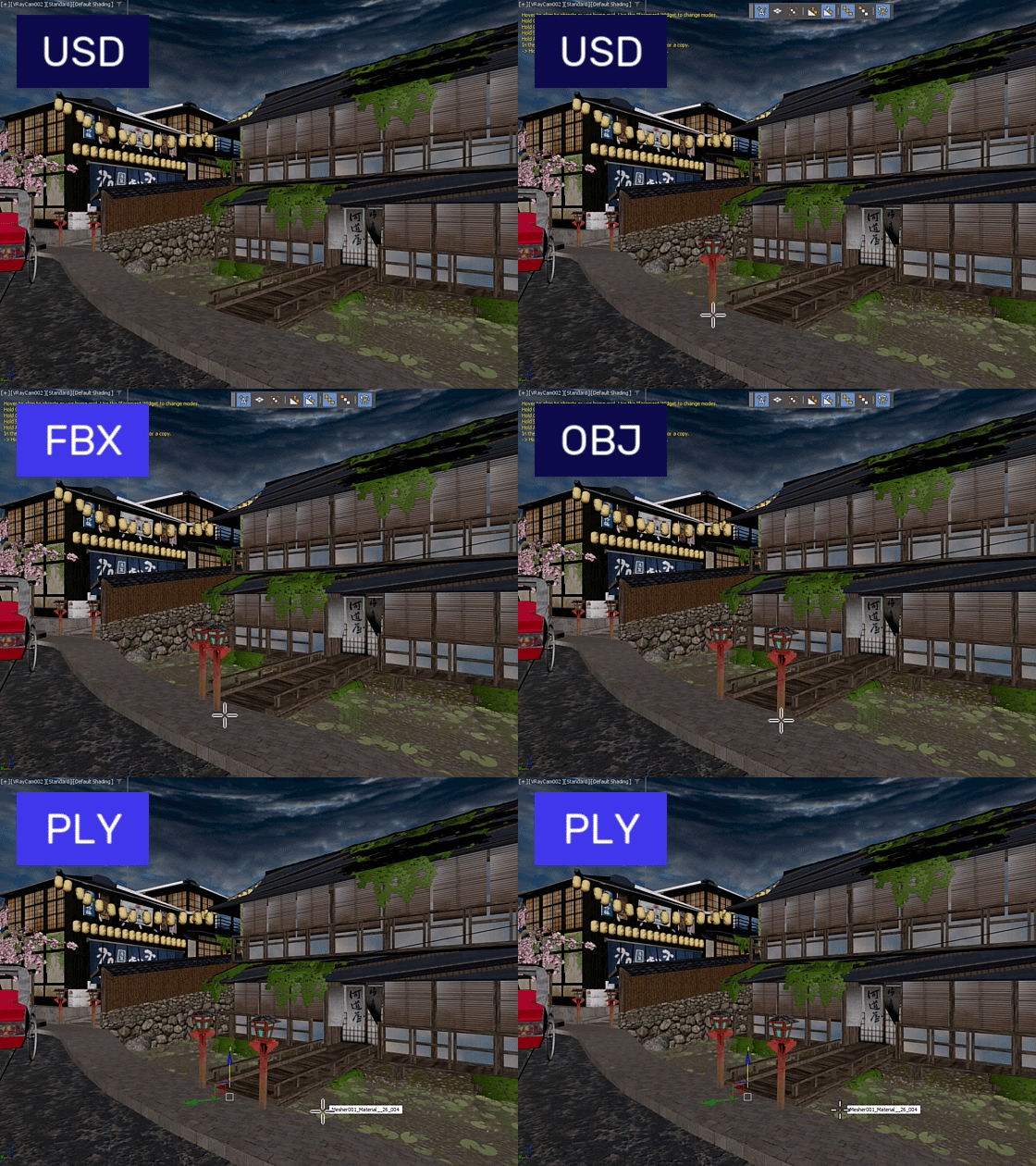
One Workflow for Every Format
Treat FBX, OBJ, and Gaussian Splats like native .max files. Use the same "Smart Merge" logic for everything – no manual loaders or import dialogs required. Includes full support for Forest Pack, RailClone, and Chaos Scatter.
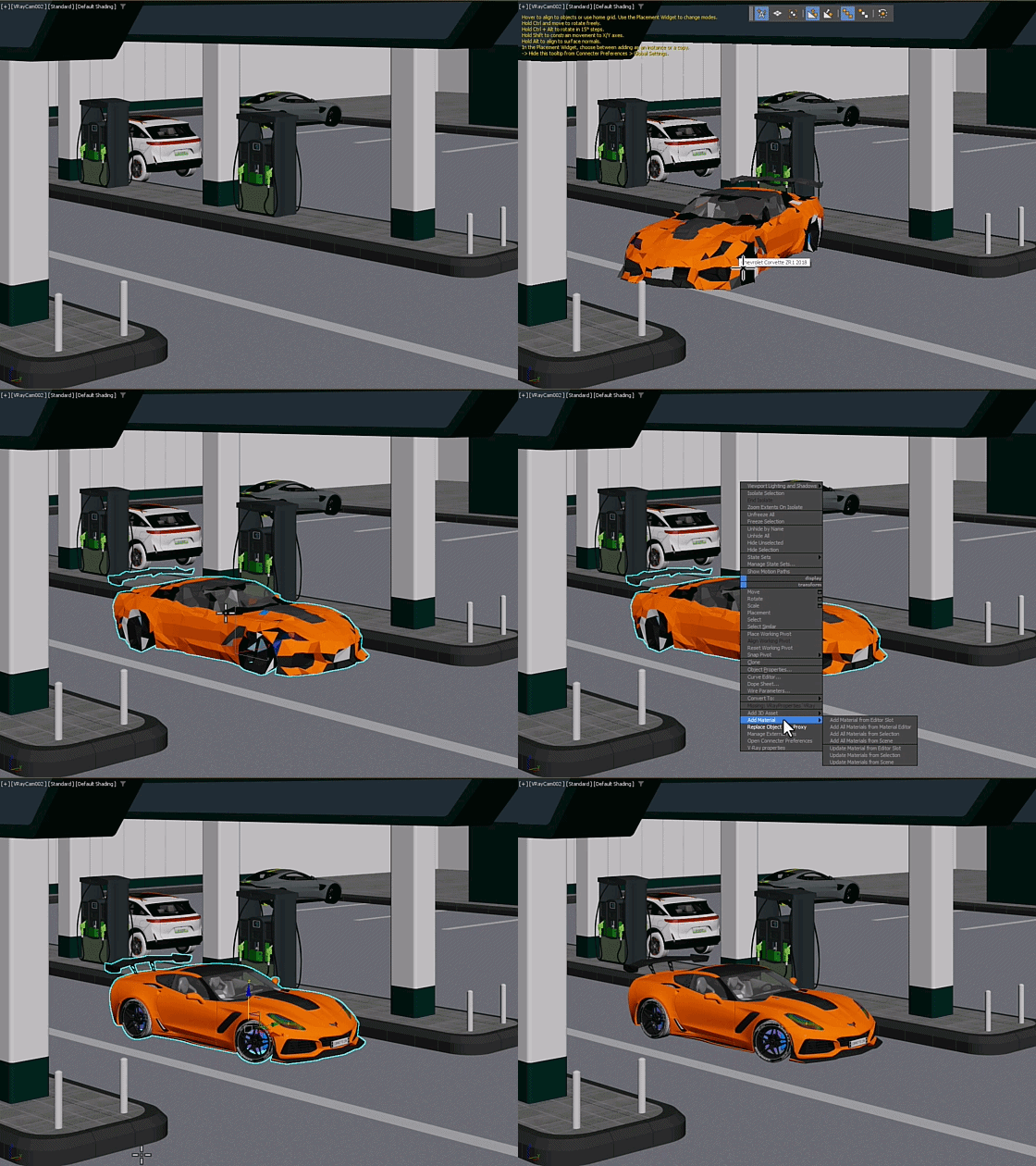
Replace Objects in One Step
The definitive workflow for variant testing. Automatically replace scene objects – including instances and objects within groups – with new library assets while maintaining all transformations.

Streamline Proxy Workflows
Connecter simplifies proxy workflows by automating creation, material handling, and proxy reuse across many asset formats, including USD and PLY. Swap heavy geometry for lightweight proxies, return to the original asset for edits, and switch back to the updated proxy when you're ready.
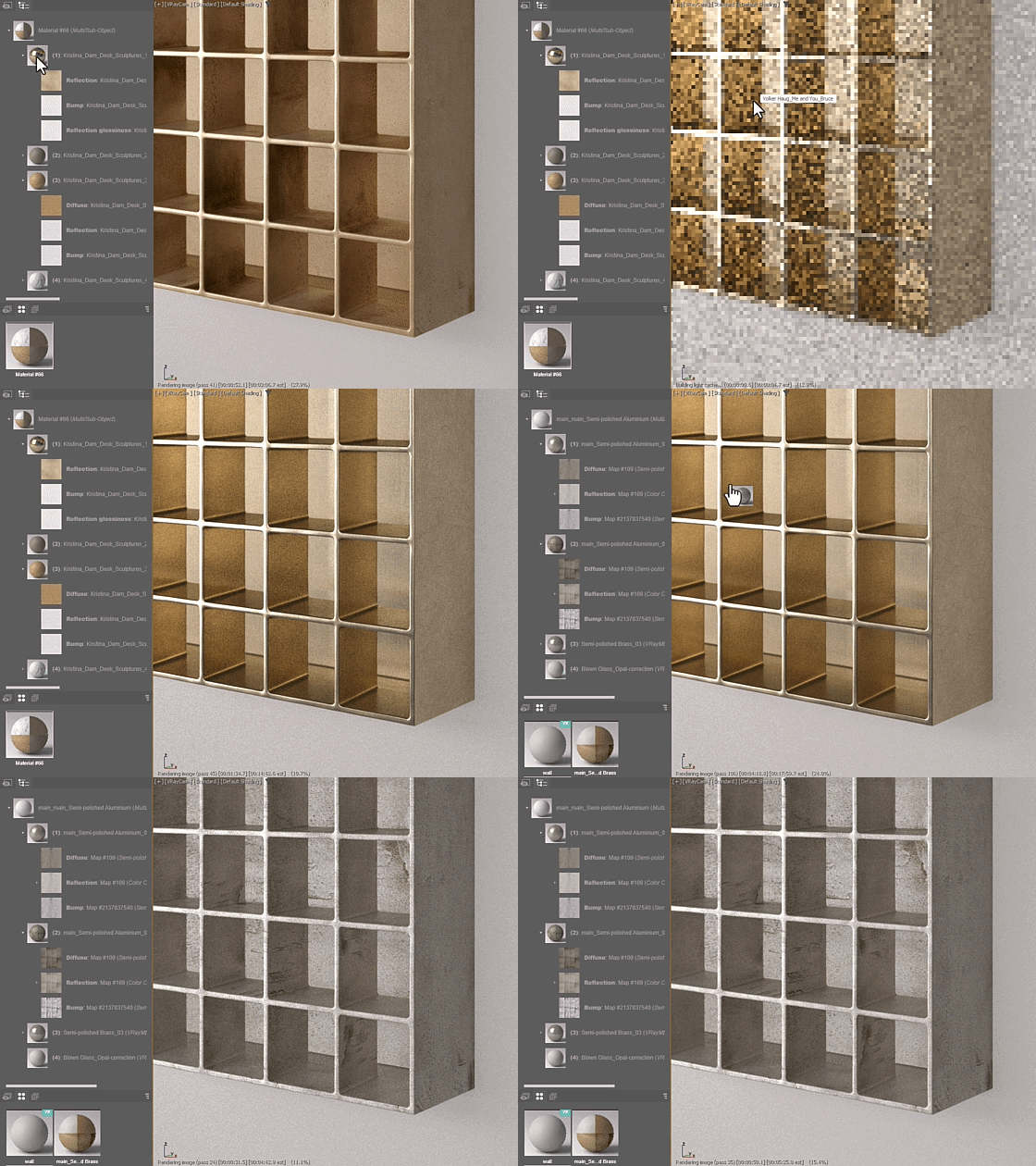
Advanced Material Handling
Apply or replace materials directly on scene objects or add them anywhere into the Slate or Compact Material Editors. Supports everything from full .mat libraries and MaterialX to individual bitmaps.
Auto-Link on Merge
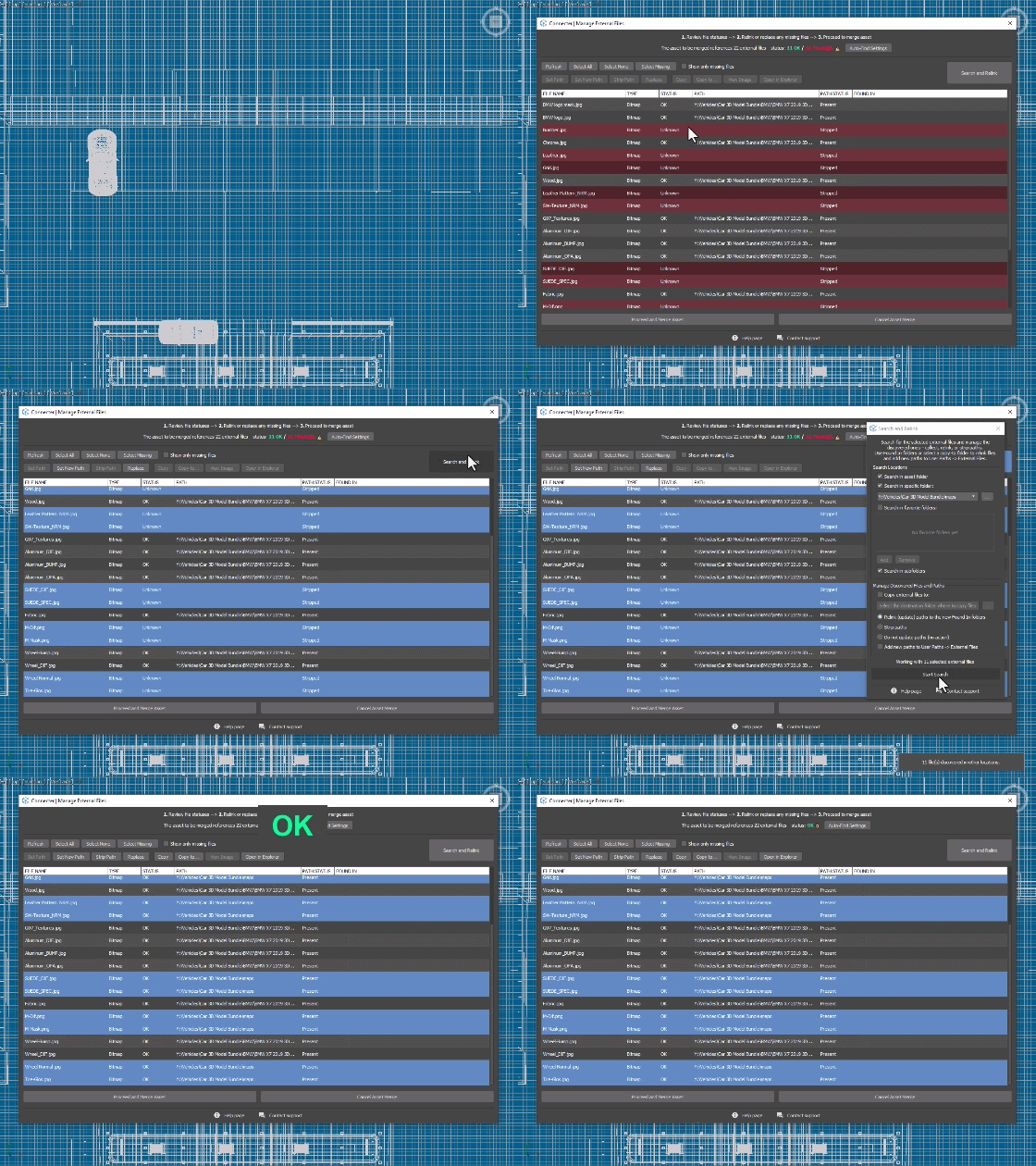
Connecter identifies and resolves external file paths during the merge process. Resolve paths and fix missing maps on the fly, delivering a clean, error-free asset that is immediately ready for use in your scene.
Pro-Tip Callout
Use Ctrl + Drag for instant Smart Merge and Place (with non-blocking viewport navigation) or Alt + Drag for native Max dialogs.


A Library That Takes Care of Itself
Building a 3D library shouldn’t become a job of its own. Connecter handles the repetitive tasks and keeps your assets organized, searchable, and ready to use as your projects evolve.




Studio-Ready Asset Prep
The Clean Export:
Instantly reset transforms, center object, strip paths, and more.
Automated External File Management:
Automatically gather dependencies and remap paths to your usage standards as you save.
Custom Pipeline Hooks:
Trigger custom MaxScripts to enforce studio-specific conventions
Standalone Manage External Files Tool
Background Relinking:
Batch re-path, update folder structures, and fix broken links instantly - without waiting for Max to open.
Deep Asset Operations:
Run standalone tools to remove unused files, replace content, or execute "Collect & Relink" tasks on entire folders.
Automated Preview Generation
Background Batch Processing:
Render thumbnails for thousands of .max and .mat assets seamlessly in the background.
Adaptive Framing:
Use custom scenes or ready-to-use studios with auto-scale and zoom extents to perfectly frame every asset.