


Meet
AI Studio
Your one-stop sh... Studio for all things AI inside Connecter. It gives you access to
workflow-defining features like:


Organizationally Conscious AI
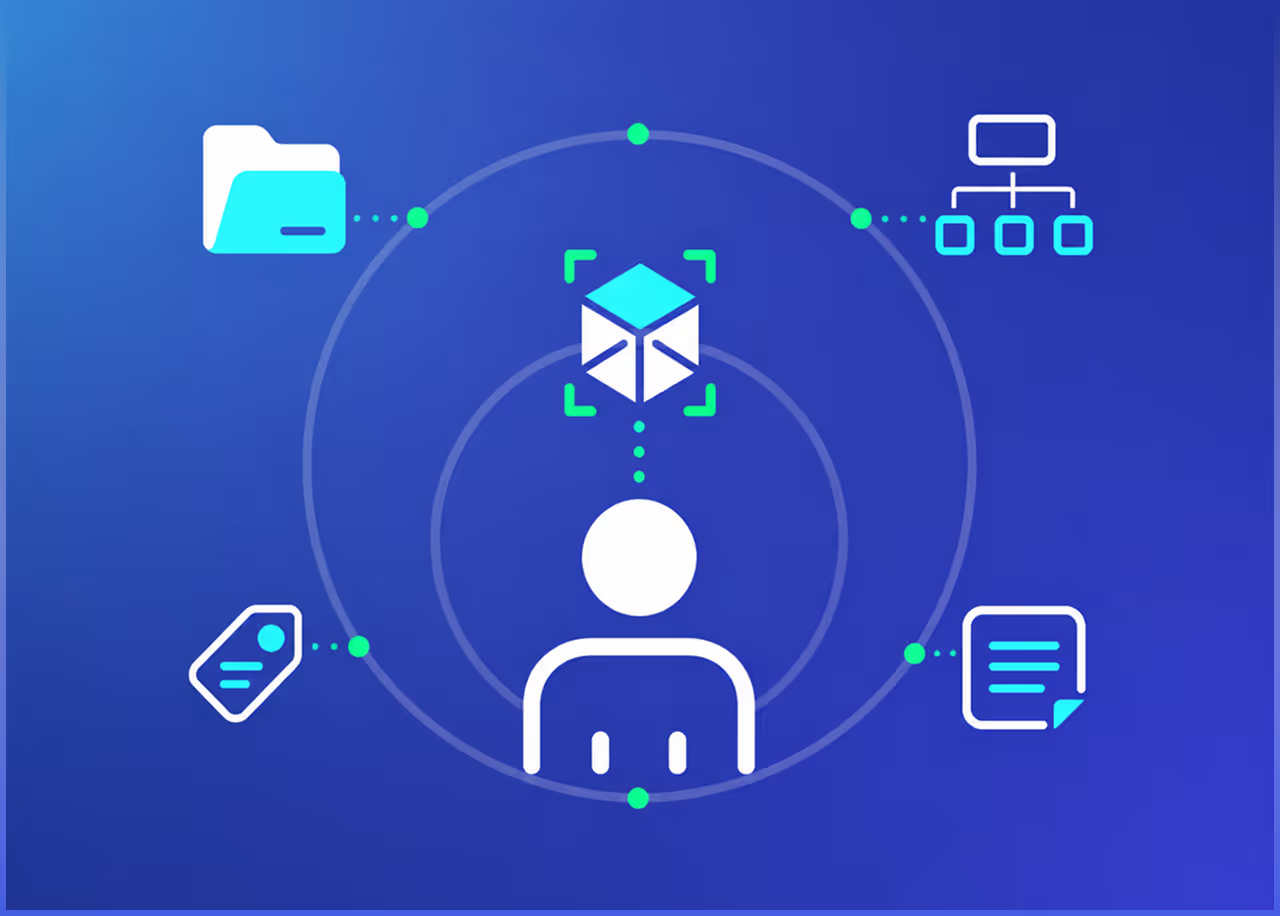
Connecter’s AI is thoughtfully designed to respect and enhance your existing organization, not disrupt it.
All features recognize the structure you’ve already built, and instead of imposing new rules, they adapt to your unique setup and preserve your existing organization. The ultimate goal is to enhance it with AI-generated annotations, intelligent tagging, and rich aliases.

Learn more


Click to Organize!
Annotate Everything

Introducing AI Annotation, the heartbeat of AI Studio; it unlocks your library’s potential. Guided by a friendly Genie, you’ll harness the power of AI to hundredfold your assets’ metadata.
What does that actually mean? Firstly,
a faster, more accurate search that covers synonyms and a broader range
of keywords. Secondly...
Automagical Tagging
The supercharged metadata is used to quickly assign relevant tags to the assets. You can jump from a complete mess to a jealousy-inducing, OCD-healing library in just a few clicks. Then, you can further enrich your tags with aliases – alternative names and multiple language versions of the words – that will be safely stored in the background and used when searching.
Auto-tagging removes the most daunting organizational tasks, giving you more time to focus on your projects.
You Are in Control!
Mind the Budget
The Prepaid Balance is a pay-as-you-go option for the AI Studio features. Separate from your Connecter Suite subscription, it allows you to pay only for what you use, and you’ll get cost estimations before the operations.
All Connecter Suite subscribers – paid and free trialists – can get a feeling of what it’ll do for your library.



Available with Connecter Suite
The AI Studio is part of Connecter Suite and is fully accessible even throughout the two-month free trial! You’ll also get Power-user features like Hybrid DAM, Web Catalogs, Collections, a Version Control toolkit, Feedback system with reviews & approvals, unlimited team members with granular permissions, and more.



Smart Cooperation
AI features in Connecter Suite, like AI Annotation and Auto-tagging, are designed to work harmoniously with non-AI ones, such as Tag Assistant.
While the AI tools handle the heavy lifting by automatically suggesting and applying tags, Tag Assistant allows you to help you quickly build a tag structure thanks to predefined ones, which come with color coding and icons. Together, you can get a pristine library with a minimum amount of work, which opens time for more pressing or enjoyable tasks.
This collaboration between AI and non-AI features is here to stay – expect more tools that can be combined or empowered and affect other parts of your workflows.
Find Out More About Tag Assistant

Is AI Studio free to use?
You can get a preview of the functionality by starting a Connecter Suite
free trial. Processing your library will require Prepaid Credit.
You can learn more here.
Is Connecter Suite required for AI Studio?
Yes, AI Studio is part of the Connecter Suite and can be fully utilized even during the two-month free trial. It can’t be used with Personal Workspace.
Do you use annotation data to train an algorithm?
No. Your data is deleted after processing and won’t be stored or used for training. Learn more about data handling here.
How much does it cost to use AI Studio?
It depends on the feature and the amount of assets that have to be
processed with AI. All features will show you an estimate before you
run them, so you’re in control of your spending.